How Agentic AI Can Reduce Repetitive Work in Small Business Teams
A practical guide to using agentic AI for repetitive tasks, decisions, follow-ups, and operational handoffs.

By Kelis
Founder

Small business teams rarely lose an entire day to one large task. They lose it ten minutes at a time.
A lead needs to be copied into the CRM. A customer email needs classification. Meeting notes need to become tasks. Someone must check whether an invoice was paid. Another person has to prepare the same weekly report again.
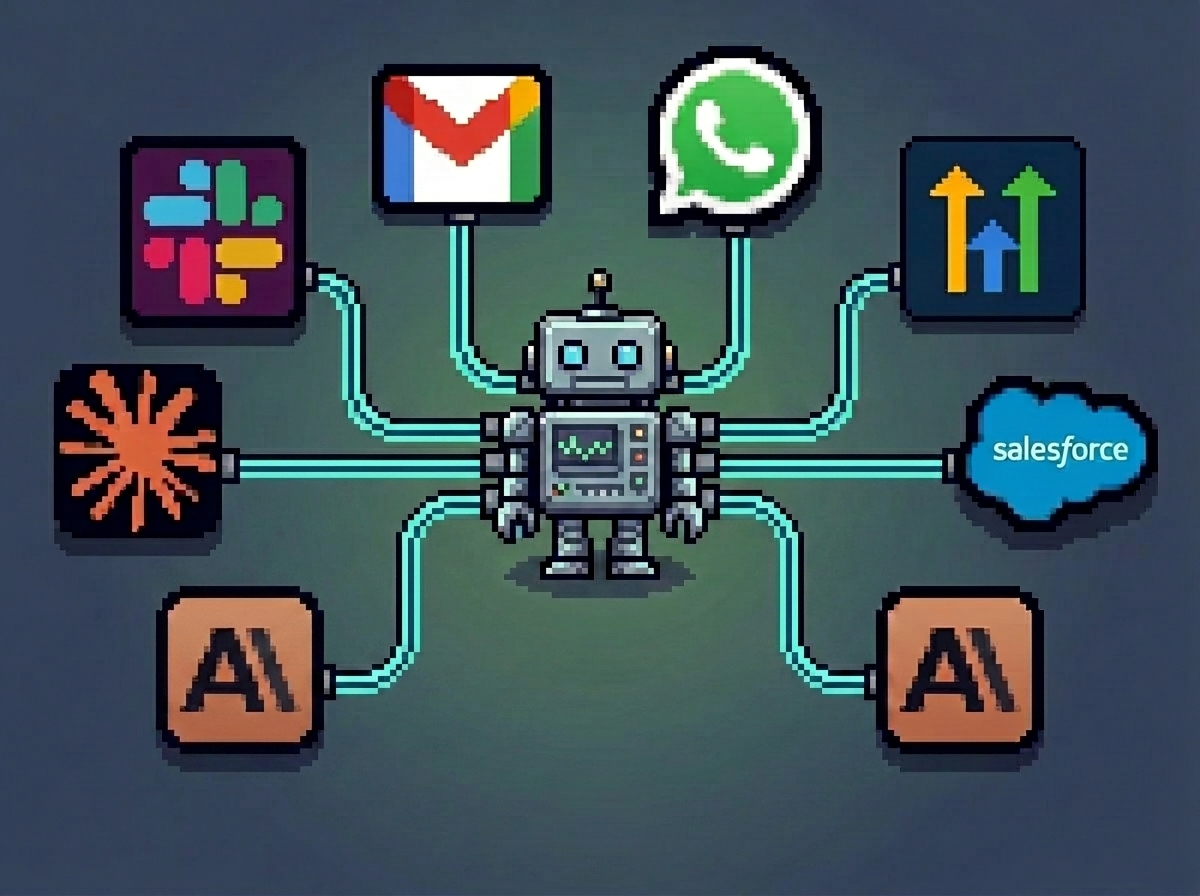
Agentic AI can reduce this repetitive work by doing more than following a fixed trigger. It can read context, select an appropriate action, use connected tools, and move a workflow forward within defined limits.
What Is Agentic AI?
Agentic AI refers to AI systems that can work toward a goal across multiple steps.
A normal automation might follow this rule:
When a form is submitted, create a CRM contact.
An agentic workflow can do more:
Read the form submission.
Identify the service the lead needs.
Check whether the company already exists in the CRM.
Qualify the lead using approved criteria.
assign it to the correct person.
Prepare a relevant follow-up.
Ask for approval when the request is unusual.
The agent does not need unlimited control. It should operate through specific tools, permissions, rules, and human review points.
For a deeper introduction, read what agentic AI automation means for business operations.
Where Small Teams Lose Time
Repetitive work often appears between tools and people rather than inside one large process.
Common examples include:
Copying lead details from email into a CRM
Reading enquiries and deciding who should respond
Creating tasks from meetings or customer messages
Preparing similar follow-up emails
Checking dashboards and portals for changes
Moving files between systems
Summarizing weekly activity
Reminding team members about incomplete work
These tasks may only take a few minutes individually. But they interrupt focused work and make operations depend on someone remembering the next step.
Agentic AI Use Cases for Small Business Teams
1. Lead Intake and Qualification
An AI agent can read enquiries from forms or email, extract contact information, classify the request, check qualification criteria, and update the CRM.
It can then assign the lead, prepare a response, and create a follow-up task. A human can approve replies for high-value or unusual opportunities.
2. CRM Record Management
Small teams often stop trusting their CRM because records are incomplete.
Agentic AI can check incoming information against existing records, prevent obvious duplicates, add notes, update lifecycle stages, and flag missing fields.
Instead of asking the sales team to remember every update, the system maintains the record as the workflow moves.
3. Customer Support Routing
An agent can read a support message, identify its topic and urgency, retrieve relevant customer context, and route the request to the correct person.
For common questions, it can prepare a suggested answer. Sensitive complaints, refunds, or contractual issues should remain subject to human approval.
4. Meeting-to-Task Workflows
After a meeting, an AI agent can summarize the discussion, identify decisions, extract action items, assign owners, and create tasks in the project management system.
The team reviews the output instead of manually rebuilding the meeting inside another tool.
5. Reports and Operational Summaries
An agent can collect approved data from a CRM, spreadsheet, support platform, or project tool and prepare a daily or weekly summary.
It can highlight overdue tasks, leads without follow-up, unresolved tickets, or missing data. This helps managers focus on exceptions rather than assembling the report manually.
6. Document Processing
Small businesses regularly process proposals, applications, briefs, invoices, and customer documents.
Agentic AI can extract key details, classify the document, validate required fields, update the appropriate system, and route exceptions to a person.
7. Browser-Based Operations
Some work happens inside portals without useful APIs. An agentic system can combine AI decision-making with browser automation to check statuses, download reports, or enter approved information.
These workflows require careful access controls, monitoring, and compliance with the platform’s rules. The browser automation use cases guide explains where this approach fits.
Agentic AI Is Not Always the Right Choice
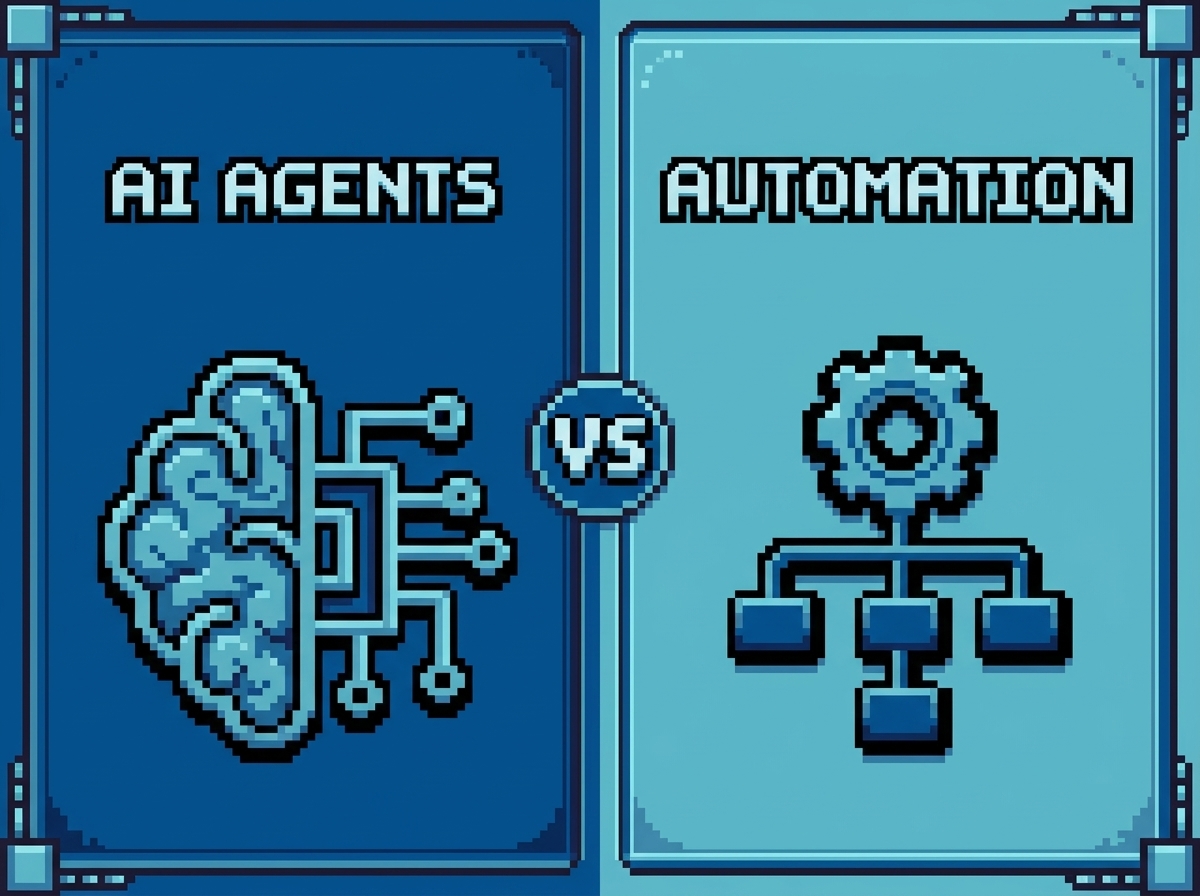
A fixed automation is often better for predictable work.
If every form submission should create the same task, a simple rule is easier to test and maintain. Agentic AI becomes useful when the next step depends on message content, customer history, missing information, or another changing condition.
The best systems frequently combine both:
Rules handle predictable actions.
AI handles classification and context.
Humans handle sensitive decisions.
The comparison between agentic AI and standard AI automation can help you choose the right approach.
How to Start Safely
Begin with one repeated workflow, not an agent that can access everything.
Document its trigger, required information, tools, decisions, expected output, and failure conditions. Then define what the agent may do independently and what needs approval.
A dependable system should include:
Limited tool permissions
Input and output validation
Activity logs
Error alerts
Human approval points
Fallback procedures
Regular performance reviews
Clear documentation
SpidLabs designs AI automation, agentic AI, lead management, internal operations, and browser automation systems around the real workflow rather than forcing every process into the same template.
What Should You Automate First?
Start with a task that happens frequently, follows a recognizable pattern, and creates a clear operational delay.
Ask your team:
What do we repeatedly copy between tools?
Which messages require the same initial review?
Where do leads or tasks get forgotten?
Which report do we rebuild every week?
What work depends on one person remembering the process?
The answers usually reveal a better first agentic AI project than starting with a tool and searching for somewhere to use it.
FAQ
How does agentic AI reduce repetitive work?
It reads context, selects actions, uses connected tools, and advances workflows such as lead qualification, support routing, reporting, and CRM updates.
Can a small business use agentic AI?
Yes. Small businesses can start with one limited, repeated workflow where AI can remove manual steps without controlling sensitive decisions.
Will agentic AI replace employees?
It is better used to support employees by handling repetitive steps, preparing work, and routing exceptions to the right person.
What tasks should not be fully autonomous?
Payments, legal submissions, pricing decisions, sensitive customer messages, and destructive system actions should usually require human approval.
How should a business begin?
Map one workflow, define success and failure conditions, restrict tool access, add human review, test real edge cases, and monitor the system after launch.