Reliable Browser Automation: How Businesses Can Avoid Fragile Workflows
A practical guide to building browser automation that does not break easily.

By Kelis
Founder

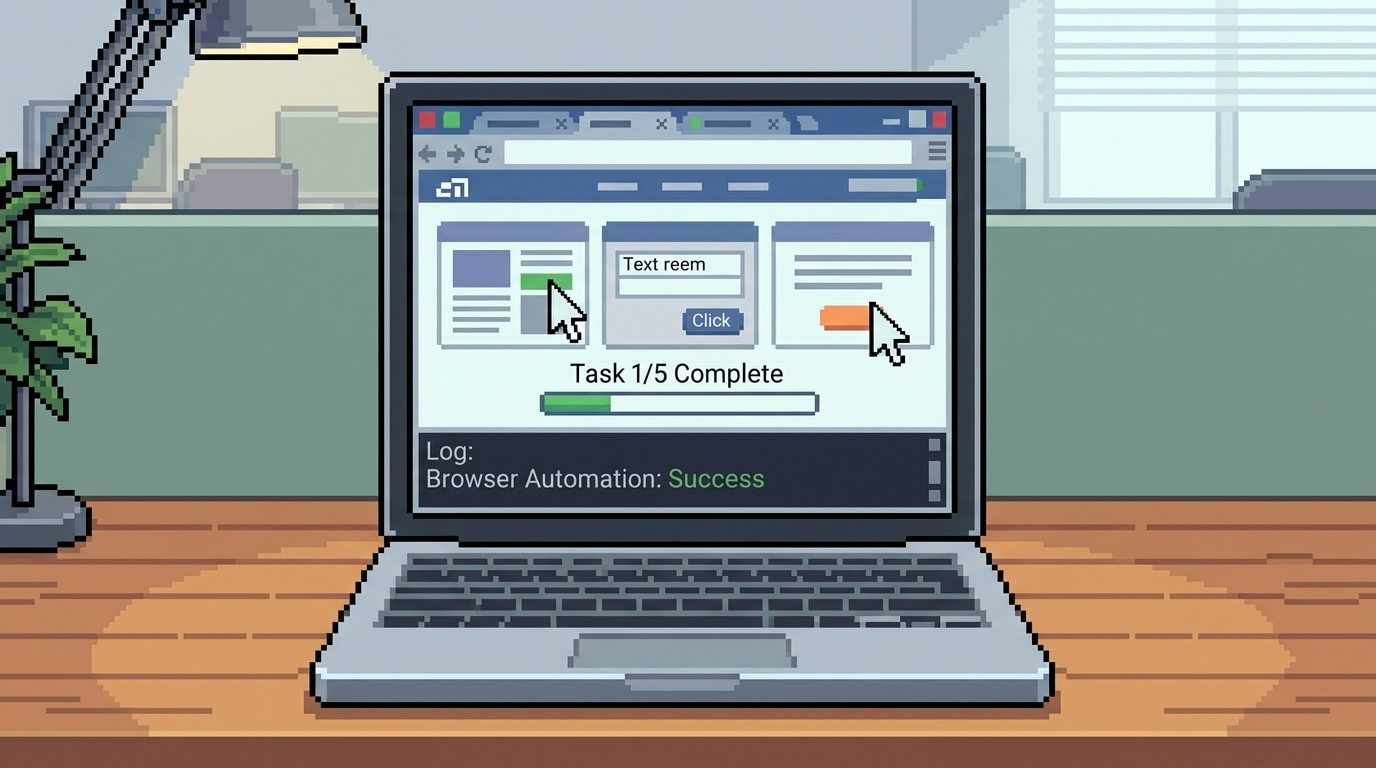
Browser automation looks simple in a demo. A bot opens a website, clicks a few buttons, fills a form, downloads a report, and everyone feels like the manual work is solved.
But real business workflows are messier.
Pages load slowly. Login sessions expire. A button moves. A Captcha appears. A pop-up appears. A field is missing. A website changes its layout. Reliable browser automation is not just about making the browser click. It is about building a system that can handle real-world problems without silently failing.
What Is Reliable Browser Automation?
Reliable browser automation means using software to perform repeated browser tasks in a controlled, tested, and monitored way.
It can log in, open portals, fill forms, extract data, upload files, download reports, and update internal systems. But the important part is what happens when something goes wrong.
A reliable system should know when to retry, when to stop, when to alert a human, and how to leave a clear record of what happened.
Why Browser Automations Break
Browser automation often breaks because it depends on the visible website interface. That interface can change at any time.
Common problems include:
Login sessions expiring
Multi-factor authentication changes
Buttons or fields moving
Website layout updates
Slow-loading pages
Popups or cookie banners
Missing or unexpected data
Download failures
Duplicate submissions
Permission changes
This does not mean browser automation is bad. It means it needs to be built with the same care as any business system.
Start With the Workflow, Not the Tool
The first step is not choosing a browser automation tool. The first step is mapping the workflow.
Ask:
Who does this task today?
How often does it happen?
Which website or portal is involved?
What data is copied, checked, submitted, or downloaded?
What can go wrong?
What should require human approval?
What should happen if the automation fails?
If the workflow is unclear, the automation will be unclear too. A messy process becomes a messy bot.
At SpidLabs, we usually start by understanding the repeated work first. Then we decide whether browser automation, API automation, or a mix of both is the best fit.
What Makes Browser Automation Reliable?
A reliable browser automation system should include more than clicks.
It should have:
Stable selectors for finding buttons, fields, and page elements
Wait rules so the bot does not act before a page loads
Retry logic for temporary failures
Error handling for missing data or unexpected screens
Logs that show every important step
Alerts when the automation fails
Duplicate checks before submitting forms
Secure credential handling
Human review for sensitive actions
Documentation for the team
These details are not exciting, but they are what separate a useful business system from a fragile demo.
Use Human Review Where Risk Is High
Not every browser action should be fully automatic.
For low-risk work, like checking a status or downloading a report, automation can often run with minimal review.
For sensitive work, like submitting legal forms, sending customer messages, changing payment data, or updating important records, keep a human approval step.
Reliable automation does not mean removing people from everything. It means using people where judgment matters and automation where repetition is wasting time.
Monitor the Automation After Launch
Browser automation needs maintenance because websites change.
A system should be monitored after deployment. That means checking logs, reviewing failure alerts, testing the workflow regularly, and updating the automation when the website changes.
If a business depends on automation every day, it should not be treated like a one-time setup. It should be treated like an operations infrastructure.
When Browser Automation Is the Right Choice
Browser automation is useful when the task happens inside a website or portal and there is no clean API.
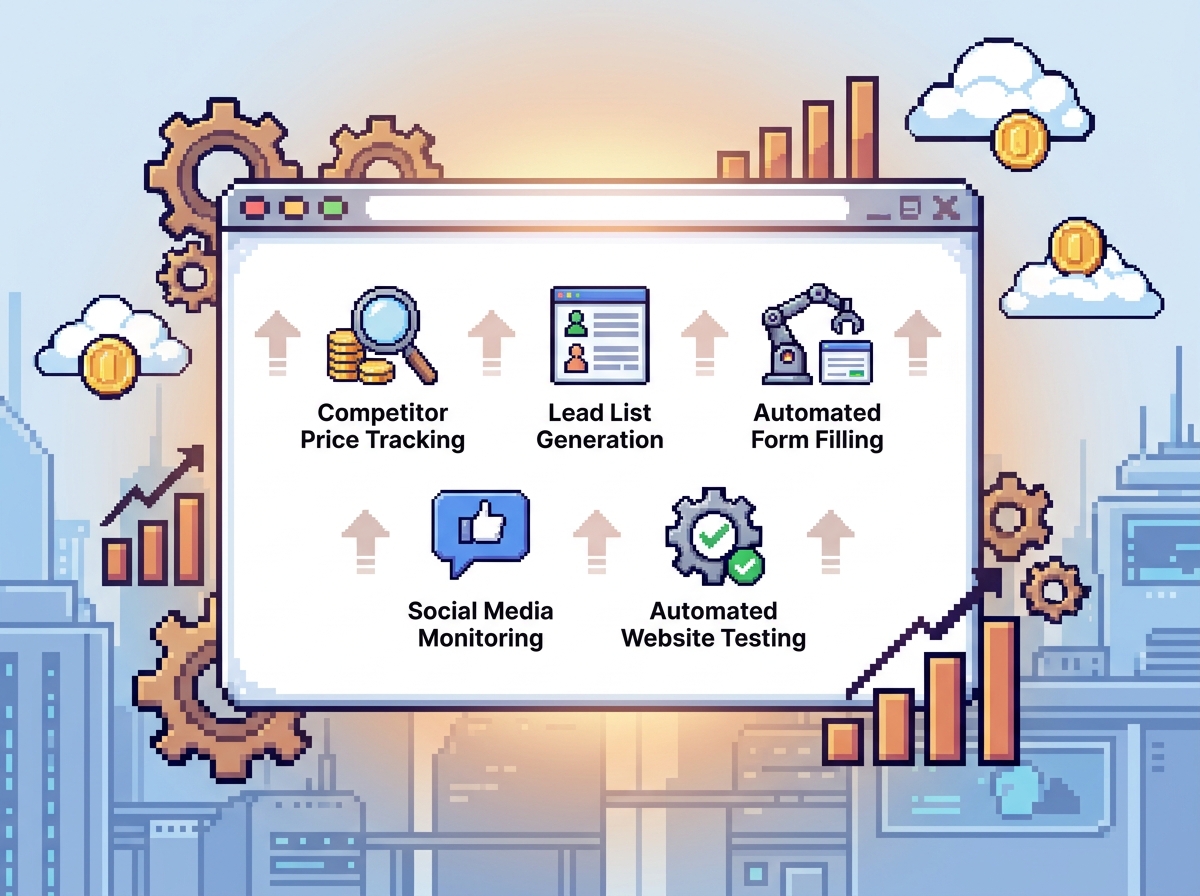
Good use cases include:
Portal status checks
Report downloads
Form filling
Login-only data extraction
Vendor dashboard monitoring
CRM research support
Repeated admin updates
File uploads and submissions
If a reliable API exists, that may be the better option. But when the browser is the only practical path, browser automation can still be dependable if it is designed properly.
Mistakes to Avoid
Do not automate only the happy path. Test what happens when data is missing, the page loads slowly, or the portal shows a different message.
Do not hide failures. If the automation breaks, the team should know quickly.
Do not store credentials casually. Access should be secure and limited.
Do not remove human review from high-risk workflows too early.
And do not build browser automation before checking whether an API or simpler integration already exists.
Final Thought
Reliable browser automation is not about making a bot click faster than a person. It is about making repeated browser work consistent, visible, and easier to manage.
If your team is still checking portals, downloading reports, filling forms, or copying data by hand every week, SpidLabs can help map the workflow and build a browser automation system around the real process.
Read More:
Browser Automation for Businesses
Browser Automation Use Cases for Businesses
FAQ
What is reliable browser automation?
Reliable browser automation performs repeated website or portal tasks with proper testing, logs, error handling, alerts, retries, and human review where needed.
Why does browser automation break?
It can break when websites change layouts, login sessions expire, pages load slowly, buttons move, popups appear, or expected data is missing.
How can businesses make browser automation more reliable?
Use clear workflow mapping, stable selectors, wait rules, retry logic, logs, alerts, duplicate checks, secure credentials, and regular maintenance.
Is browser automation safe for business workflows?
It can be safe when built with secure access, monitoring, permission controls, error handling, and human approval for sensitive actions.
When should a business use browser automation?
Use browser automation when repeated work happens inside websites or portals that do not offer a clean API or direct integration.