Browser Automation for Businesses: What It Is and When to Use It
A practical guide to browser automation for repetitive business workflows.

By Kelis
Founder
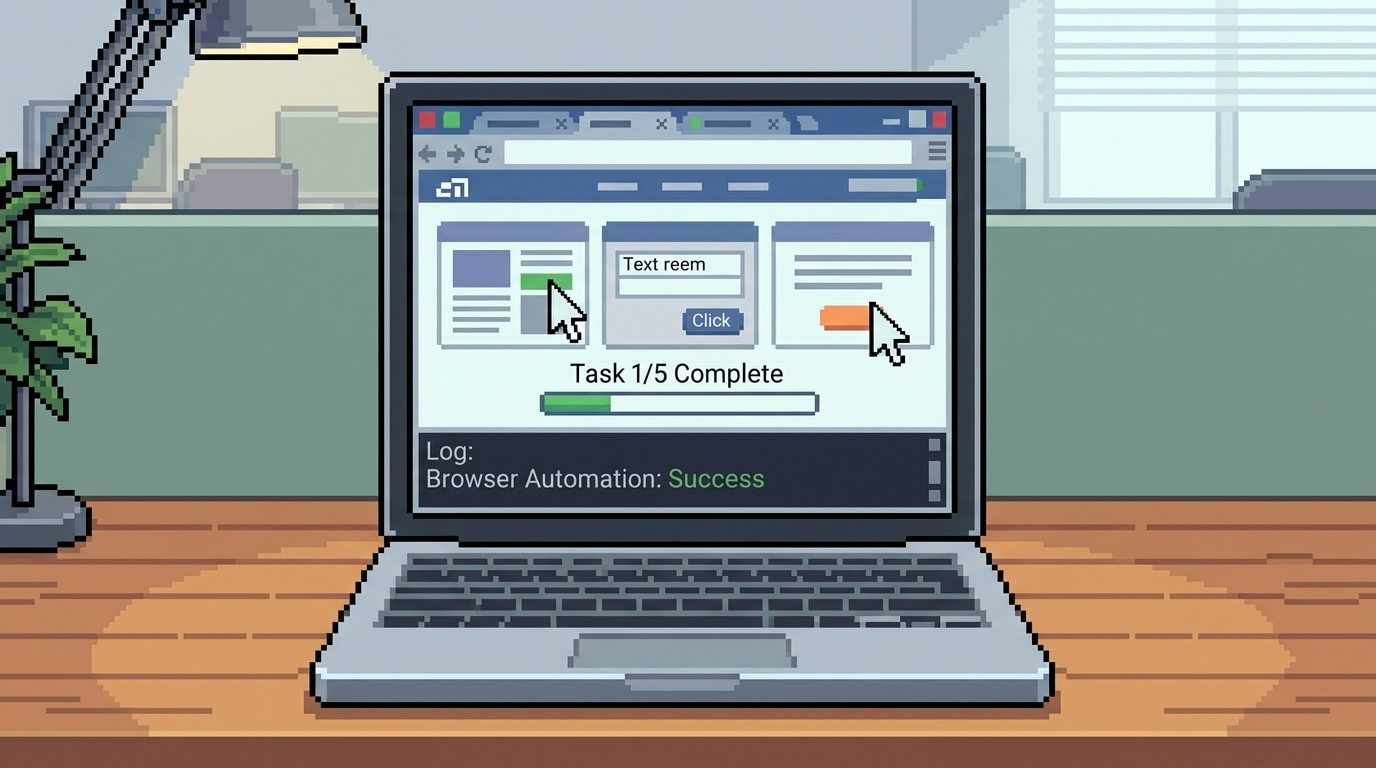
Many businesses still run important work inside browser tabs. Someone logs into a portal, checks a status, copies data into a spreadsheet, fills a form, downloads a report, or updates a record. Then they do it again tomorrow.
Browser automation for businesses is useful when your team is repeating the same web-based task and the platform does not offer a clean API or simple integration. Instead of forcing people to click through the same screens every day, browser automation can perform those steps in a controlled, repeatable workflow.
The goal is not to replace your team. The goal is to remove the boring, repeated work that slows the team down.
What Is Browser Automation?
Browser automation is the process of using software to control a browser the way a person would. It can open a website, log in, click buttons, fill forms, extract information, upload files, download reports, and move data between systems.
For businesses, this is valuable because many important tools are still locked behind web portals. Not every vendor gives you an API. Not every platform connects well with Zapier, Make, or your CRM. Sometimes the only practical path is the browser.
A browser automation system can help when the workflow is clear, repeated, and mostly rule-based.
Common Business Use Cases
Browser automation works best when the task has a pattern.
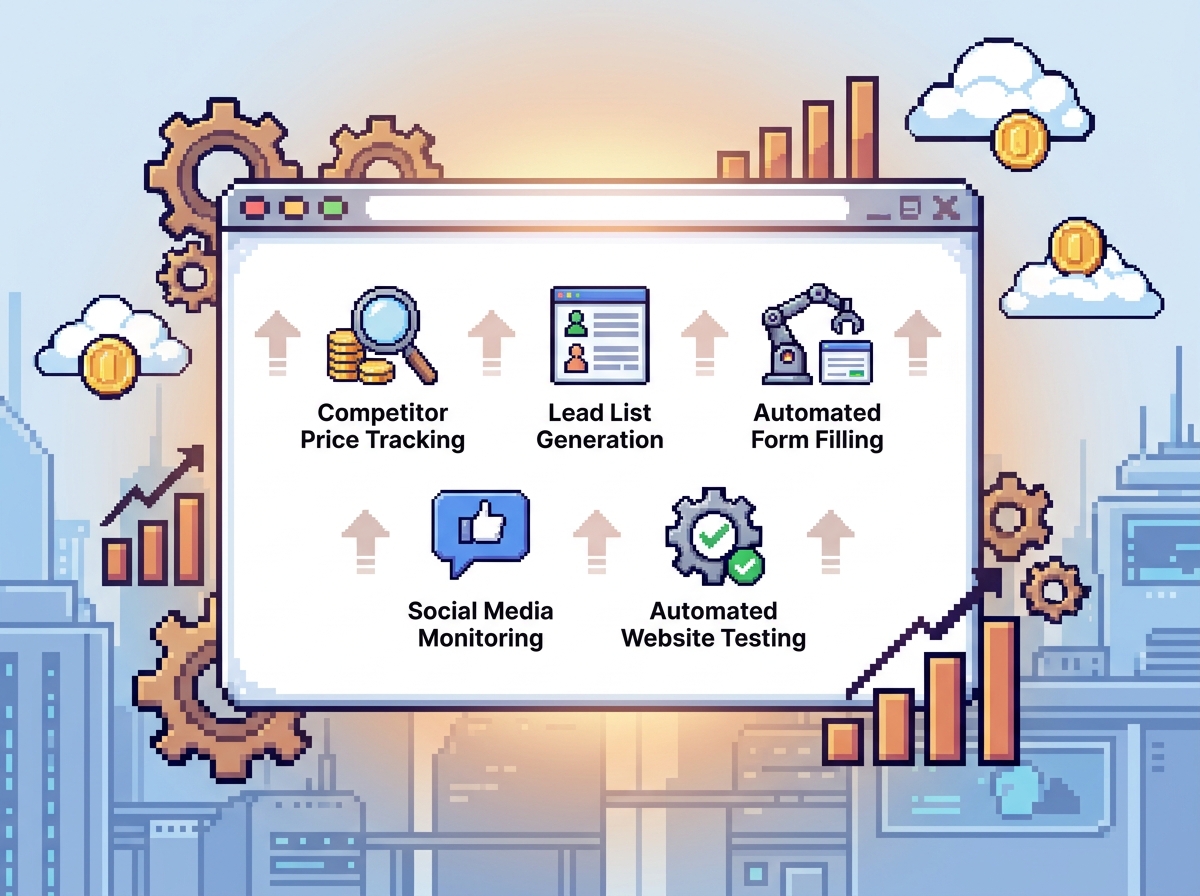
Common examples include:
Checking customer, order, claim, or ticket status in a portal
Copying information from one web app into another
Filling repeated forms with known business data
Downloading daily or weekly reports
Monitoring dashboards or vendor portals
Submitting records to platforms that do not support API access
Collecting lead or customer information from internal tools
Updating CRM fields after browser-based research
Triggering alerts when a webpage value changes
These tasks are not always complicated. But they consume attention. When a team has to repeat them every day, the cost becomes real.
When Should a Business Use Browser Automation?
Use browser automation when the work happens often, follows a clear process, and depends on websites or portals that do not integrate cleanly.
A good browser automation workflow usually has:
A clear starting point
A defined website or portal
Stable steps
Known inputs and outputs
Rules for missing or incorrect data
A human review point for sensitive actions
For example, if your operations person checks the same portal every morning, downloads a file, updates a spreadsheet, and sends a summary to the team, that may be a good workflow to automate.
But if the task changes every day and requires complex human judgment, automation should support the person instead of trying to fully replace them.
Browser Automation vs API Automation
API automation is usually cleaner when it is available. APIs are designed for systems to exchange data directly. They are faster, more stable, and easier to maintain.
Browser automation is useful when APIs are missing, limited, expensive, or not practical for the workflow.
A simple way to think about it:
API automation connects systems directly.
Browser automation works through the user interface.
The right choice depends on the tools your business uses. A reliable automation partner should check for APIs first, then use browser automation when it is the most practical option.
What Makes Browser Automation Reliable?
A demo is easy. A reliable business workflow is harder.
Good browser automation needs:
Error handling when a page loads slowly
Alerts when login fails
Duplicate checks before submitting forms
Logs that show what happened
Secure handling of credentials
Human approval for high-risk actions
Testing with real business edge cases
Documentation so the team understands the system
This is where many automations fail. They work once in a perfect test, then break when the website changes slightly or the data is incomplete.
At SpidLabs, the practical approach is to understand the workflow first, create a plan, build the automation, test it, handle edge cases, and provide documentation. Browser automation is not just clicking buttons. It is building a dependable workflow around browser-based work.
Mistakes to Avoid
The biggest mistake is automating a process before understanding it.
Before building, ask:
Who does this task today?
How often does it happen?
Which website or portal is involved?
What information is copied or submitted?
What can go wrong?
What should require human approval?
What happens if the website changes?
Another mistake is using browser automation when a simple integration would be better. If a reliable API exists, start there. Browser automation should solve no-API or portal-heavy workflows, not replace cleaner options unnecessarily.
Also avoid automating sensitive actions without review. Payments, legal submissions, customer messages, and important business decisions should include clear approval steps.
How to Choose the First Browser Automation Workflow
Start with the workflow your team repeats every week.
The best first project is usually not the most complex one. It is the task that is boring, frequent, measurable, and easy to explain.
If your team says, “We do this manually because there is no integration” that is often a strong signal.
Browser automation can help businesses save time, reduce copy-paste work, and keep operations moving without waiting for every platform to provide an API. But it works best when the system is designed around the real workflow, not just the browser clicks.
Browser Automation Tools to Explore
If you want to understand what browser automation looks like in practice, here are a few tools businesses often explore:
Automa - a browser extension for automating website tasks, scraping data, and exporting results to JSON, CSV, or Google Sheets.
Axiom.ai - a no-code browser automation tool for form filling, data entry, scraping, and automating actions on websites.
Ui.Vision RPA - an open-source RPA tool for browser automation, desktop automation, OCR, and screen-based workflows.
Bardeen - a workflow automation tool often used for lead research, web scraping, enrichment, and sending data into tools like Google Sheets or Airtable.
These tools are useful for learning and smaller workflows. For business-critical automation, always check security, login handling, website terms, error logs, and whether an API-based integration would be more stable.
FAQ
What is browser automation for businesses?
Browser automation uses software to perform repetitive tasks on websites or portals, such as logging in, filling out forms, extracting data, downloading reports, or updating records.
When should a business use browser automation?
Use it when a task occurs frequently, follows clear steps, and relies on a website or portal that does not offer a clean API or integration.
Is browser automation the same as web scraping?
No. Web scraping usually focuses on extracting data from websites. Browser automation can include extraction, but it also handles clicks, forms, uploads, downloads, and full workflows.
Is browser automation reliable?
It can be reliable when built with testing, logs, fallback logic, alerts, and human review points. It becomes fragile when built only as a quick demo.
What should businesses automate first?
Start with repeated portal work, form filling, report downloads, CRM updates, status checks, or any browser task your team performs every week.